Getting Started in Respect PVP
Join cleanly, claim Free Supporter skins, and survive your first deathmatch sessions in BETA.
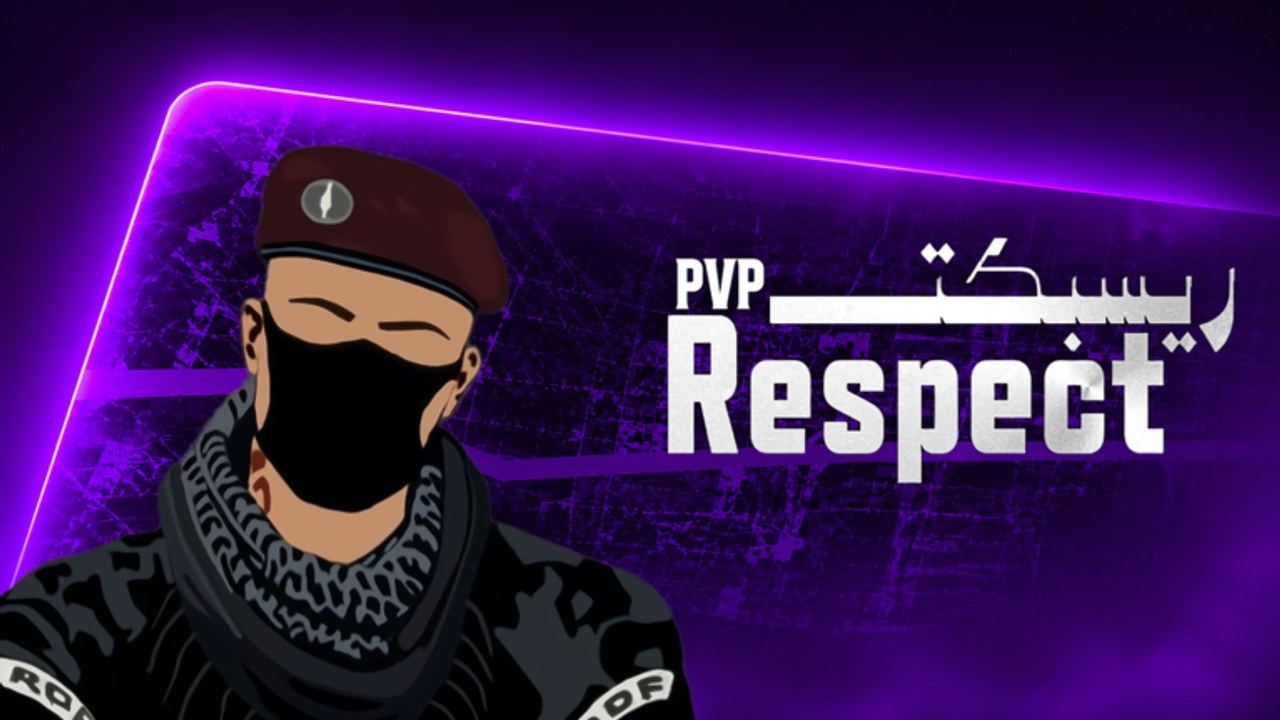
Respect PVP [BETA] by VOLL Games Inc is a fast arena deathmatch shooter on Roblox. Your first hour should be about joining correctly, unlocking free cosmetics, learning how your device aims, and accepting that the build will change. This guide is the checklist before you dive into Controls, Settings, Combat Tips, and How to Win.
Play the experience from the official Roblox page when you can, and keep this wiki’s Links hub handy for trusted destinations. Servers can hold about 35 players, so expect crowded fights—not quiet 1v1 queues.
First-session checklist
- Open Respect PVP on a supported platform: PC, phone, tablet, Xbox, or PS5.
- Like the experience and Favorite it so it is easy to find again and so you meet Free Supporter requirements.
- Join the VOLL Games Inc group on Roblox. Free Supporter skins are tied to Like + Favorite + group membership—do this before you grind matches.
- Confirm audio and camera feel acceptable in the lobby or first spawn. Tiny sensitivity tweaks early save frustration later; deeper input advice lives on Controls.
- Play at least one full deathmatch without quitting after the first death. Learn the spawn rhythm and how loud the arena feels with many players.
- After the session, check Codes for any active promo rewards and skim Updates so you know the BETA is moving.
If anything in that list fails (group join delayed, skins not appearing), re-check Like, Favorite, and group status before assuming a bug. BETA means delays and odd UI states happen; fair play still matters—do not chase exploits to “fix” cosmetics.
What BETA means for you
BETA is not a finished ranked product. Expect:
- Balance swings — an archetype that feels strong today may be tuned tomorrow. Learn roles from the Weapons guide instead of memorizing one gun as forever best.
- Bugs and jank — hitreg, UI, or spawn quirks can appear. Report calmly through official channels when available; do not use unfair tools from the Scripts conversation as a workaround.
- Incomplete information — detailed official weapon rosters may not be published yet. This wiki uses archetypes (assault rifle, SMG, shotgun, sniper, pistol, utility) on purpose.
Playing fair protects your account and the lobby. Respect PVP’s name is a reminder: compete hard, do not cheat.
Device tips for day one
PC players usually have the highest precision ceiling. Prioritize a stable frame feel and a sensitivity you can track sideways without over-flicking. Mouse acceleration habits from other games can fight you here—keep the first sessions simple.
Mobile and tablet players should enable a comfortable fire and look layout before worrying about advanced movement. Thumbs tire fast in 35-player chaos; shorter sessions with clean aim beat long tilted ones. Landscape play and a stable grip help more than copying a PC friend’s settings blindly.
Xbox and PS5 players should confirm look sensitivity and aim assist feel in a live match, not only in menus. Controllers shine at tracking mid-range fights; practice strafing while keeping the reticle on torsos, then graduate to peeks from Combat Tips.
Whatever the device, die once on purpose early: notice respawn timing, where pressure comes from, and whether you are spawning into the same hot lane. That awareness is part of Getting Started, not only “how to shoot.”
Core loop in plain language
You drop into an arena, pick or spawn with a loadout, and fight other players. Wins come from aim + movement + strategy, not from ignoring two of those pillars. Adapt when opponents counter your range: if you keep losing close fights with a long-range setup, swap toward an SMG or shotgun archetype as described in Weapons. Mid-fight adaptation is covered deeper in Combat Tips and How to Win.
Do not treat the first session as a rank check. Treat it as calibration: skins claimed, controls tolerable, one match finished, codes checked.
After the checklist — where to go next
- Tune inputs on Controls if your crosshair feels slippery or heavy.
- Learn peeks, strafe patterns, and positioning on Combat Tips.
- Understand range and ammo tradeoffs on Weapons, then compare community rankings on the tier list.
- Build match habits and mental resilience on How to Win.
- Revisit this Guides Hub whenever a new page appears or after a big BETA drop.
Community context and standout players live under Players. Official and social destinations stay on Links. Keep Codes in your rotation after updates—promo windows can be short.
Common first-day mistakes
Skipping the group join and wondering why Free Supporter skins are missing. Quitting after two deaths and never learning spawn pressure. Copying a sensitivity from a different Roblox shooter without testing tracking. Chasing scripts or exploits because a fight felt unfair—read Scripts for safety context, then return to practice. Ignoring that the game is BETA and raging at balance as if it were a frozen esport title.
Finish one honest session with skins claimed and controls noted. That is a successful Getting Started day in Respect PVP.
Frequently Asked Questions
Quick answers for Respect PVP lobbies, codes, and BETA changes.
How do I unlock Free Supporter skins in Respect PVP?
Like the experience, Favorite it, and join the VOLL Games Inc Roblox group. Recheck all three if the skins do not appear right away during BETA.
What platforms can I play on?
Respect PVP supports PC, mobile, tablet, Xbox, and PS5. Server size is about 35 players, so expect full arenas on every device.
Should I redeem codes before my first match?
You can play first, but check the Codes hub early and after updates so you do not miss limited promo rewards.
What should I read after Getting Started?
Go to Controls if aim feels wrong, then Combat Tips, Weapons, and How to Win. Use the Guides Hub as the map back to any sibling page.
Is exploiting allowed if the BETA feels buggy?
No. Play fair. Bugs belong in reports, not workarounds that risk moderation. This wiki does not support cheating.