Controls for Respect PVP
Dial in look speed, fire comfort, and device habits before blaming your aim in BETA deathmatch.
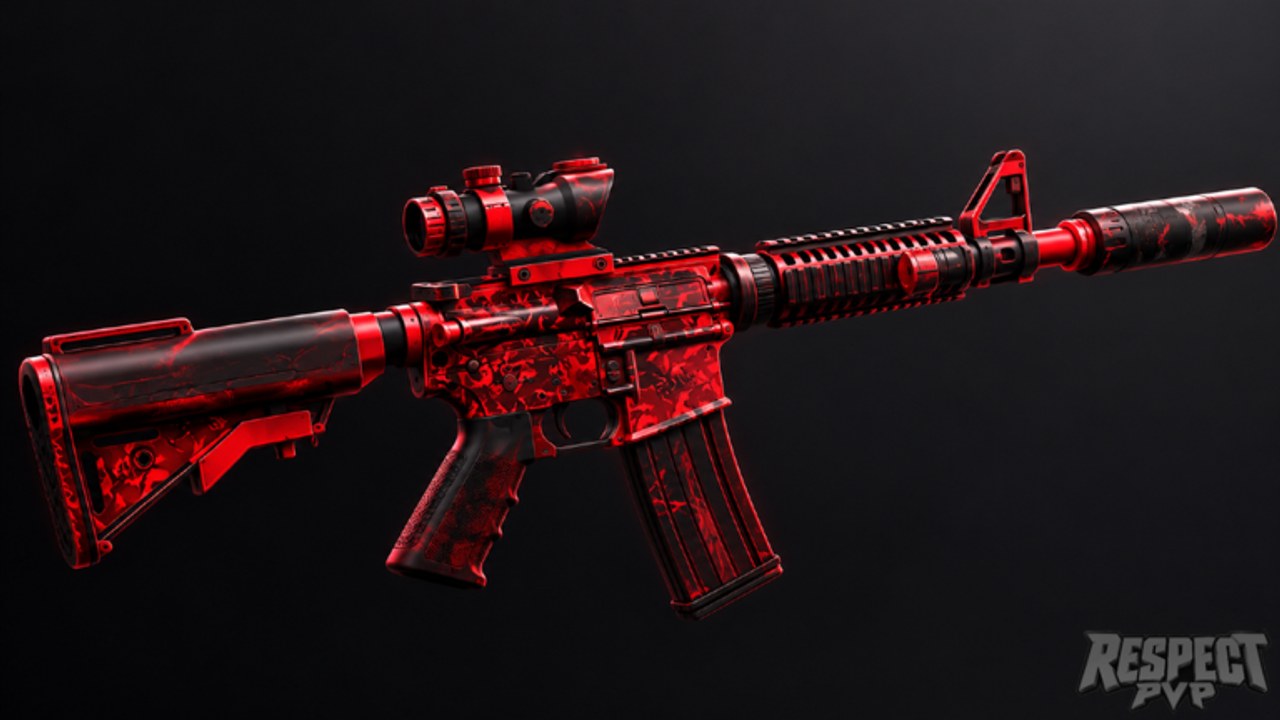
Respect PVP is a Roblox deathmatch shooter, so your controls are half the skill ceiling. Bad sensitivity makes every archetype feel broken; good sensitivity makes practice transfer from the Getting Started checklist and the Settings page into real fights. This page covers what to expect on PC, mobile/tablet, and console, plus habits that keep aim readable when servers fill toward 35 players.
Roblox experiences share many default move and camera ideas, but each shooter tunes feel differently in BETA. Treat these notes as a calibration guide, not a frozen keybind bible. If a patch changes default look speed, re-test with the same drill instead of copying a friend’s number blindly.
Shared goals on every device
Whatever you play on, you want three outcomes:
- Track a strafing opponent at mid range without constant overshoot.
- Flick to a sudden close threat without spinning a full circle.
- Move while shooting—Respect PVP rewards aim plus movement, not turret standing.
If you only hit one of those three, adjust settings before grinding hours. Pair this page with Settings and Combat Tips once the reticle feels trustworthy.
PC expectations
On PC you typically move with WASD-style keys, look with the mouse, and fire/aim with mouse buttons as the experience defines. Priorities:
- Raw feel over copied eDPI. Start at a medium look speed. Strafe left and right in an empty sightline while keeping the crosshair on a fixed point on a wall. If you constantly overshoot, lower sensitivity; if you cannot keep up with a circling foe, raise it slightly.
- Consistent DPI and Windows pointer speed. Changing OS pointer settings mid-season destroys muscle memory. Lock them, then only tune in-game look.
- Frame comfort. Choppy frames make good settings feel like bad aim. Close heavy background apps before serious sessions.
- Key comfort for swaps. Deathmatch often asks you to change weapons or utilities quickly. Put critical actions where your fingers already rest so you are not hunting keys during a peek.
PC players should still read the mobile and console notes—you will fight those players in the same lobby.
Mobile and tablet expectations
Touch shooters live or die on layout. Before worrying about advanced peeks from Combat Tips:
- Use a stable landscape grip so look and fire zones do not collide with your thumbs randomly.
- Separate look from fire enough that spraying does not drag your camera.
- Prefer slightly lower look sensitivity than your ego wants. On phones, oversensitivity causes missed close shots more often than “slow” settings.
- Take breaks. Thumb fatigue looks identical to “the game is broken.”
- If the experience offers multiple fire modes or button sizes, pick the layout you can repeat under stress, not the one that looks pro in a screenshot.
Tablet players get more space—use it for larger hit areas rather than copying a tiny phone HUD.
Xbox and PS5 expectations
Controllers favor smooth tracking. In Respect PVP arenas:
- Raise look speed until horizontal tracking of a mid-range strafe feels natural, then stop. Max sensitivity that you cannot control is a self-nerf.
- Learn strafe while sticking on target. Stand-still ADS habits from slower games will get you punished.
- Confirm dead zones and any aim-assist feel in a live match. Menu-only testing lies when 30+ players create visual noise.
- Map critical weapon or utility actions to bumpers/triggers you can hit without losing stick control.
Console players benefit heavily from the warm-up ideas in How to Win because muscle memory builds slower when you share a living-room setup with variable latency.
Sensitivity basics that actually transfer
Use a short drill after every settings change:
- Track a moving teammate or bot-like path across mid range for twenty seconds.
- Snap to a sudden close target, fire a controlled burst, then reset.
- Peek a corner, shoot once, and return to cover without spinning out.
If drill two fails, your flick speed is too high or too low. If drill three fails, your look acceleration or overall speed fights precise peeks. Only change one setting at a time, then play a real match. Logging changes in a note helps when BETA resets defaults.
Do not chase the sensitivity of a content creator with a different device. Match their habits (smooth tracking, counter-strafing mindset) instead of their number.
Settings hygiene during BETA
Respect PVP will change. After patches listed on Updates:
- Re-run the three drills above.
- Recheck that Like, Favorite, and group cosmetics from Getting Started still behave—UI bugs can distract you into thinking aim settings broke.
- Avoid stacking third-party input tools that look like cheats. Fair play matters; see Scripts for why shortcuts are a bad idea.
In-experience and Roblox client graphics options also affect clarity. Lower clutter if you cannot see players in busy arenas. Prefer stable performance over max cosmetics particle noise when you are learning.
How controls connect to the rest of the wiki
Controls unlock everything else. Unstable aim makes Weapons advice feel fake because every archetype “misses.” Stable aim makes the tier list useful as a preference guide rather than a blame list. When you are ready to convert clean inputs into kills, open Combat Tips and then How to Win. Return to the Guides Hub whenever you need the full map, and keep Codes bookmarked for reward drops that do not require aim at all.
Spend one focused session on settings before grinding ranked ego. In a BETA deathmatch with dozens of players, the calmest crosshair usually beats the flashiest one.
Frequently Asked Questions
Quick answers for Respect PVP lobbies, codes, and BETA changes.
What sensitivity should I use in Respect PVP?
Start medium, then use a track-flick-peek drill. Lower if you overshoot; raise slightly if you cannot follow strafes. Copy habits, not someone else’s exact number.
Do mobile players need different settings than PC?
Yes. Prioritize a clean landscape layout and slightly conservative look speed so firing does not drag your camera. Fatigue matters more on touch.
Should I change settings after every BETA patch?
Re-test with the same short drill after updates. Only change one value at a time if the patch altered default look feel.
Where do I go after fixing controls?
Read Combat Tips for peeks and strafing, Weapons for archetype choice, and How to Win for match habits. The Guides Hub links them all.